Mobile safety guideBDG Win app: verify first, install second.
A practical checklist for readers evaluating a BDG Win mobile app or browser experience. This site does not host APK files.
By BDG Win App Editorial TeamReviewed: 17 September 2026
Before installing
Confirm the publisher
Check the name shown by the verified distribution source. Similar icons and filenames do not prove authenticity.
Review permissions
Pause if an app requests access that does not make sense for its stated function. Recheck camera, contacts, storage, microphone and accessibility requests.
Check version information
Look for a current version number, update date, privacy information and a clear support route.
Protect the device
Keep the operating system current, enable a screen lock and avoid installing modified packages from messages or file-sharing pages.
App or browser?
The safer option is the one whose source you can independently verify and whose permissions you understand.
| Check | Mobile app | Mobile browser |
|---|
| Source | Verify publisher and package source | Verify domain spelling and HTTPS |
| Updates | Use the same verified distribution channel | Keep browser and device updated |
| Permissions | Review before and after installation | Review site permissions in browser settings |
| Shared device | Use device lock and sign out | Avoid saved passwords and sign out |
BDG Win app questions
Does BDGWinApp.io provide an APK?
No. We do not host, mirror or modify application packages.
Why can an installation screen look different?
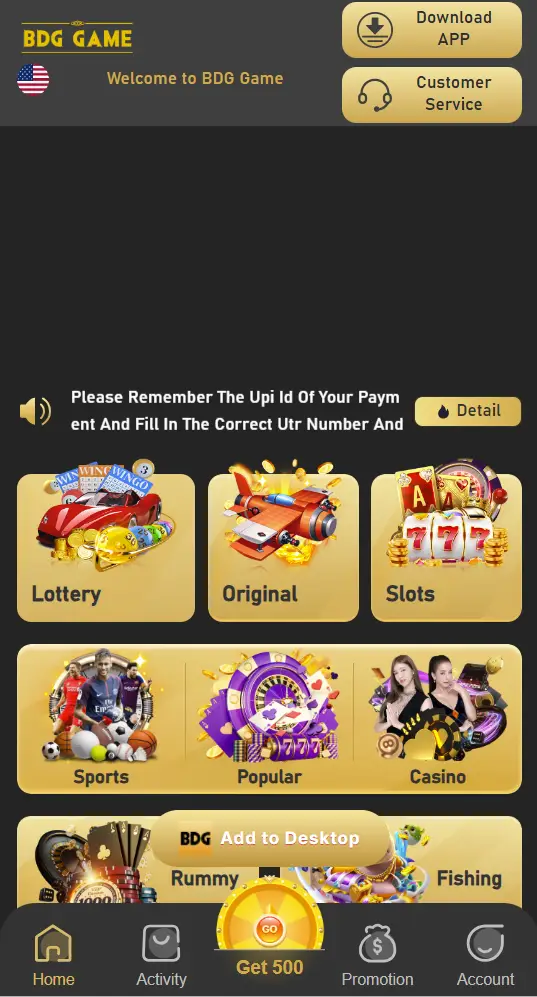
Interfaces can change by device, version, region and distribution source. Treat screenshots as illustrative.
What should I do if permissions appear excessive?
Do not continue until you understand why each permission is required and have verified the app source.